Login/Sign Up Sign Out
{{ messageCategory.totalUnreadNum }}
APSGO LOGO
{{ item.sku_info.spec_desc }}
{{ item.count }}x
Combination {{ combo.product.name }}
{{ combo.sku_info.spec_desc }}
x1
Total Price:
View Cart
No APPS available
{{ carts.count }}件
Cart
Home Overview Mountain Duck cloud disk mounting tool software
Mountain Duck cloud disk mounting tool software
-51% OFF!
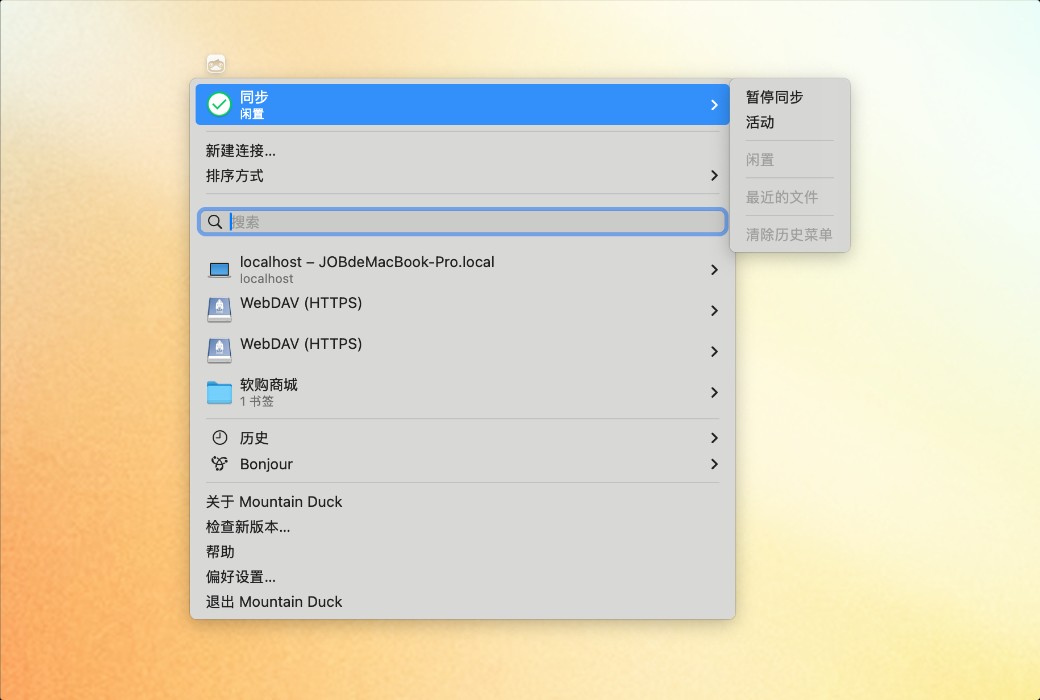
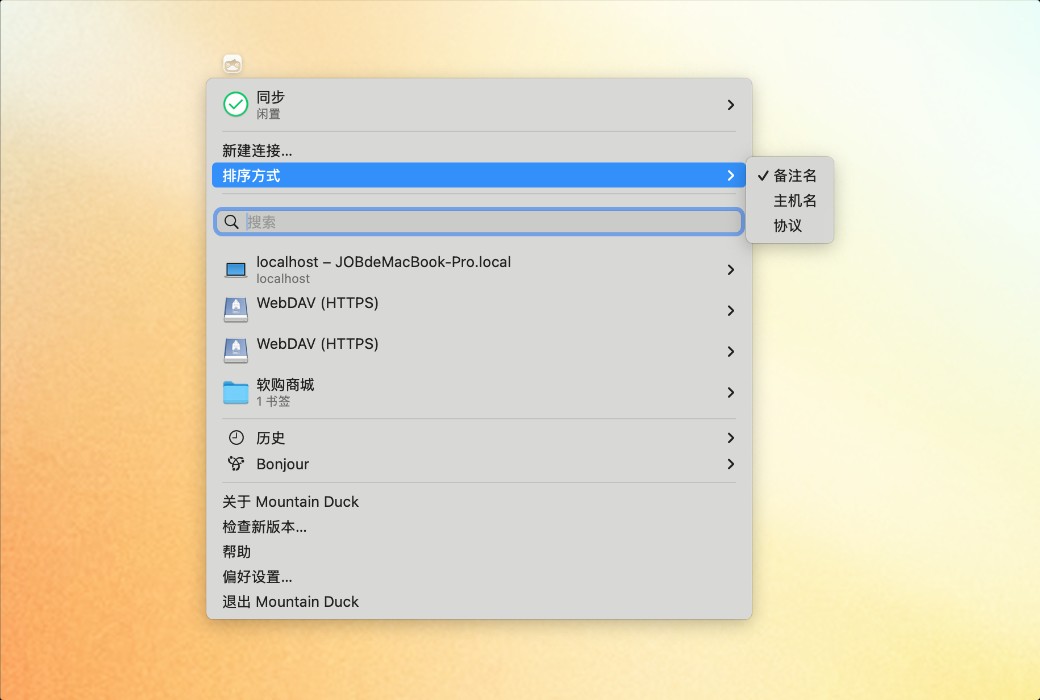
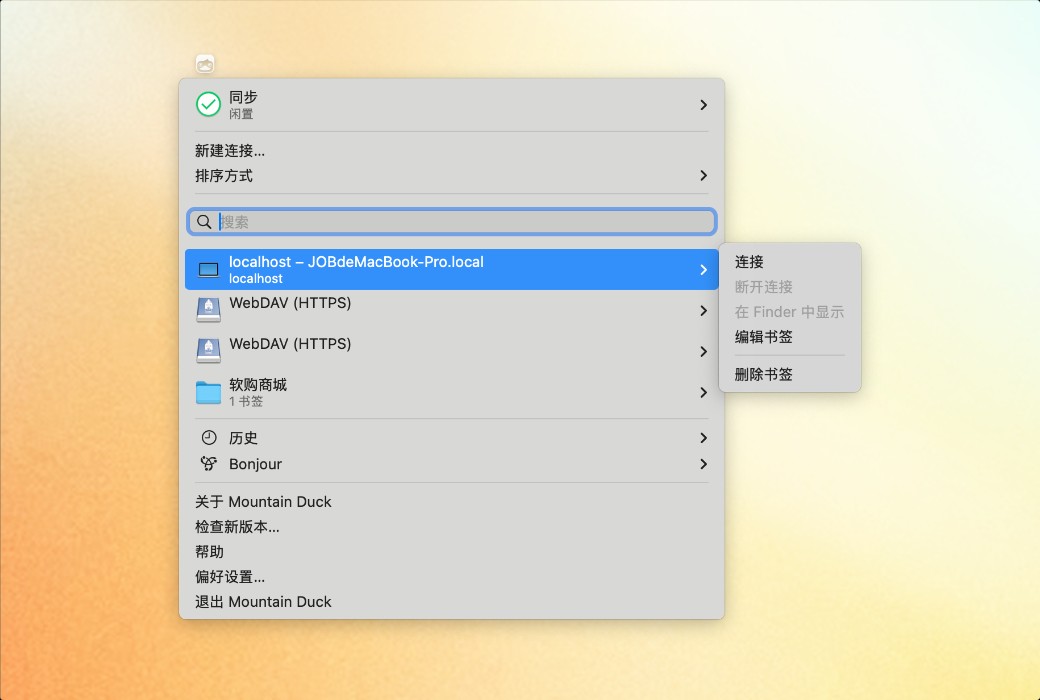
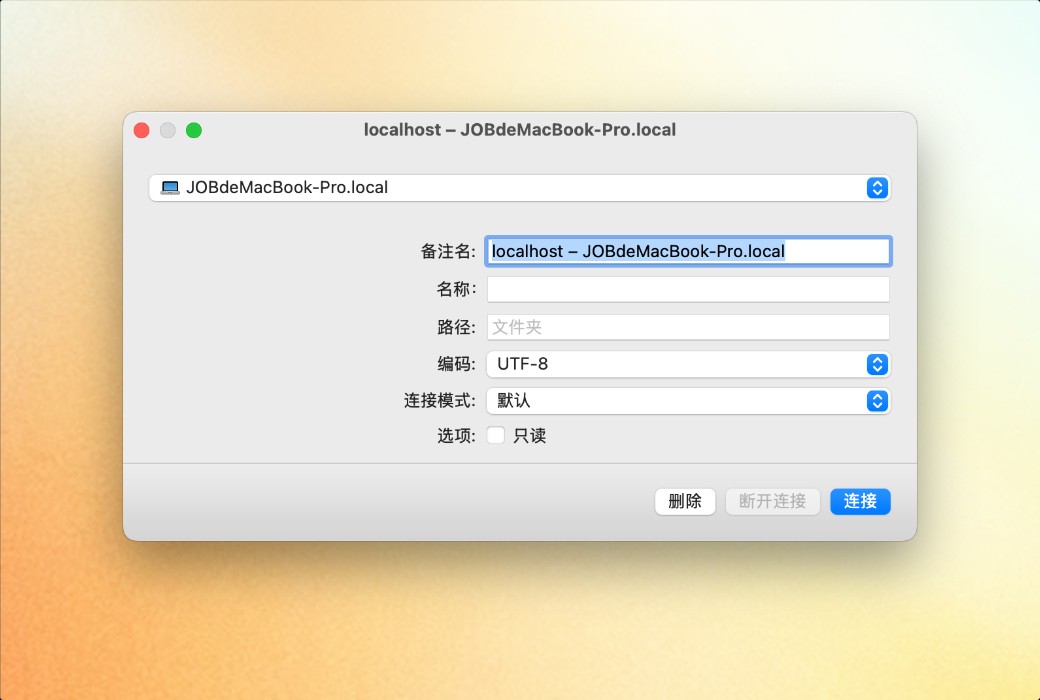
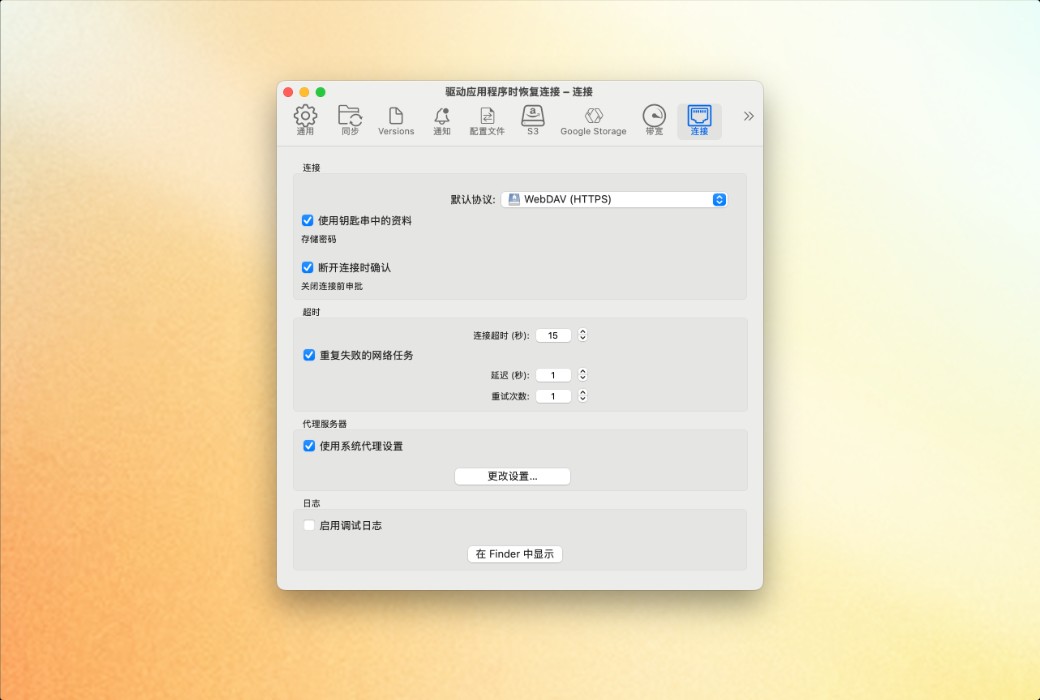
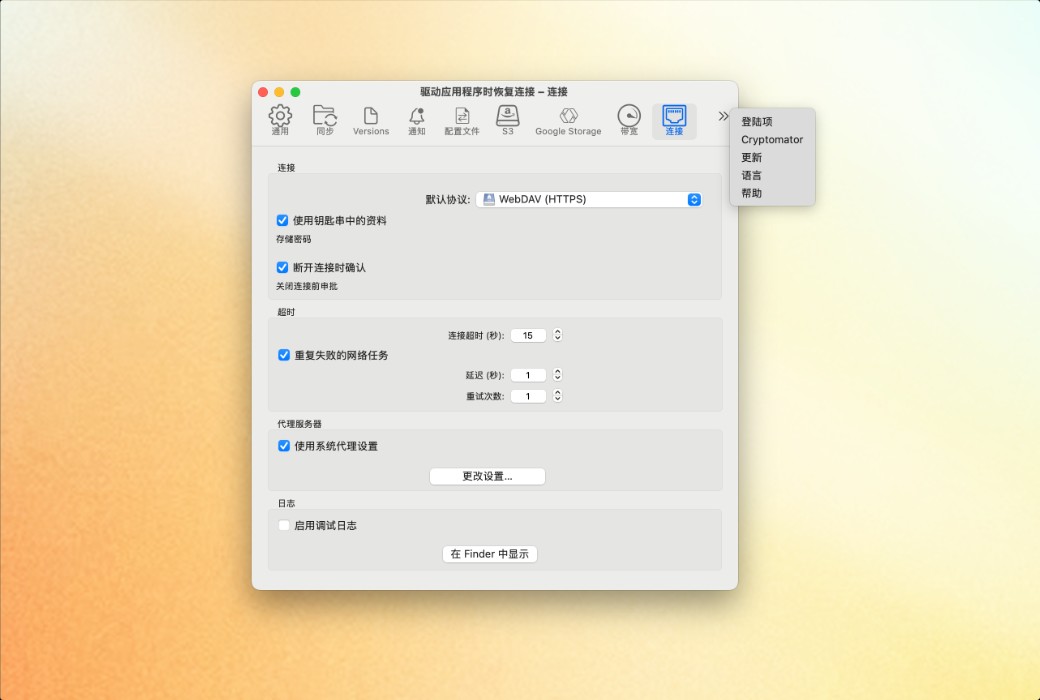
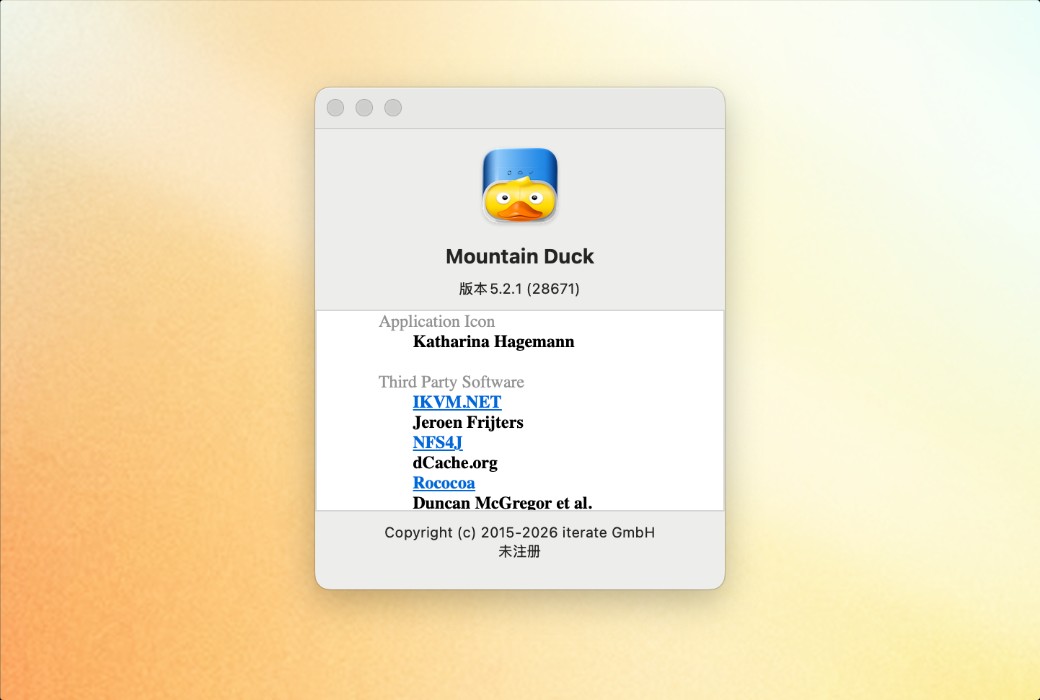
Mountain Duck cloud disk mounting tool software截图 Mountain Duck cloud disk mounting tool software截图 Mountain Duck cloud disk mounting tool software截图 Mountain Duck cloud disk mounting tool software截图 Mountain Duck cloud disk mounting tool software截图 Mountain Duck cloud disk mounting tool software截图 Mountain Duck cloud disk mounting tool software截图 Mountain Duck cloud disk mounting tool software截图 Mountain Duck cloud disk mounting tool software截图 Mountain Duck cloud disk mounting tool software截图 Mountain Duck cloud disk mounting tool software截图 Mountain Duck cloud disk mounting tool software截图 Mountain Duck cloud disk mounting tool software截图 Mountain Duck cloud disk mounting tool software截图 Mountain Duck cloud disk mounting tool software截图 Mountain Duck cloud disk mounting tool software截图 Mountain Duck cloud disk mounting tool software截图 Mountain Duck cloud disk mounting tool software截图 Mountain Duck cloud disk mounting tool software截图
Download
Mountain Duck cloud disk mounting tool software Switzerland
Mountain Duck is a desktop tool that enables servers and various cloud storages to be "mounted" as local disks. It supports accessing remote files through methods such as Finder (Mac) or File Explorer (Windows), enabling intelligent synchronization, offline usage, and encryption protection.
Version:
Single User
* Purchase this specification to receive the following gifts : ( Buy 1 or more items and the offer is valid until stock lasts )
x {{ item.count }}
{{ info.promotion.title }}
Note: In seckill, once sold out, the original price will be restored!
Hurry! Limited-time offer ends soon!
Currently available last {{ sku.promotion_count }} items
{{ info.advancePromotion.title }}
Preview of seckill, event price: {{ info.advancePromotion.skus_infos[sku.sku].promotion_price }} CNY
The inventory available for seckill is {{ info.advancePromotion.skus_infos[sku.sku].promotion_count }} items
Retail Price
Specifications
Not Selected
Group Buying
There is currently no Group Buying available, please open a group
{{ item.spec_desc }}
{{ item.user.nickname }} In {{ item.created_at }} Start Still need {{ item.left_count }}x Pending Group Buying, some users have not paid
Join

Activity Rules

1、Activity time:{{ info.groupon.start_at }} ~ {{ info.groupon.end_at }}。

1、Activity time:cease when sold out。

2、Validity period of the Group Buying:{{ info.groupon.expire_days * 24 }} hours。

3、Number of Group Buying:{{ info.groupon.need_count }}x。

Please Pay Attention

1、Teamwork process: Join/initiate a Group Buying and make a successful payment - Within the validity period, the number of team members meets the activity requirements - Group Buying succeeded!

2、If the number of participants cannot be met within the valid period, the group will fail, and the paid amount will be refunded in the original way.

3、The number of people required and the time of the event may vary among different products. Please pay attention to the rules of the event.

{{ item }} ({{ app.qa.questionsData.total }})

Mountain Duck is a Cyberduck extension used for mounting volumes in the file manager.


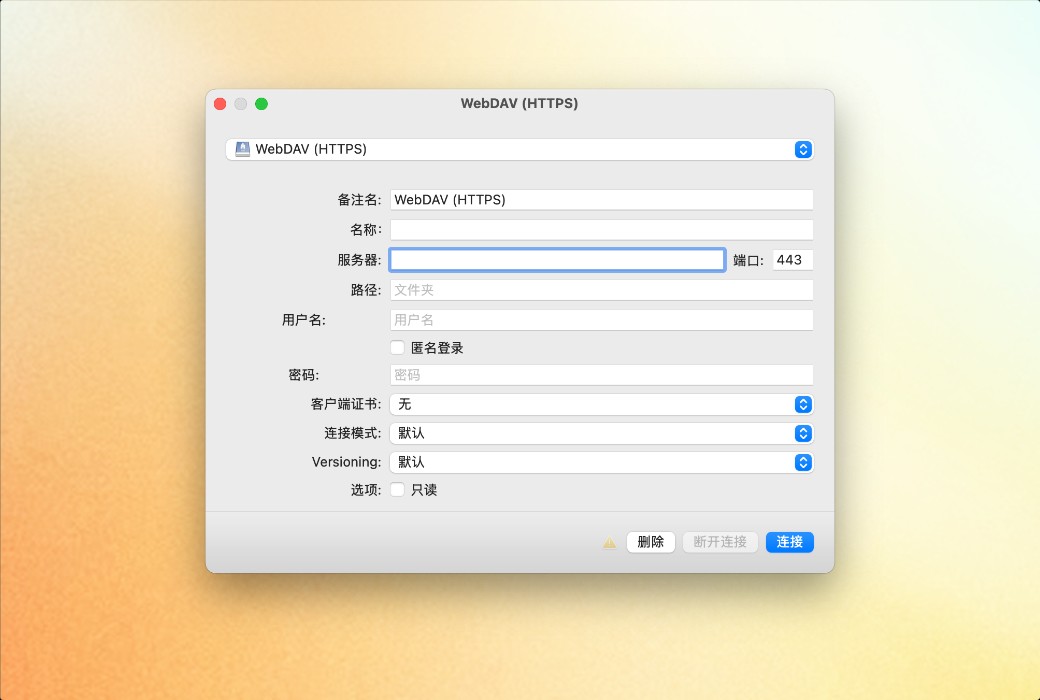
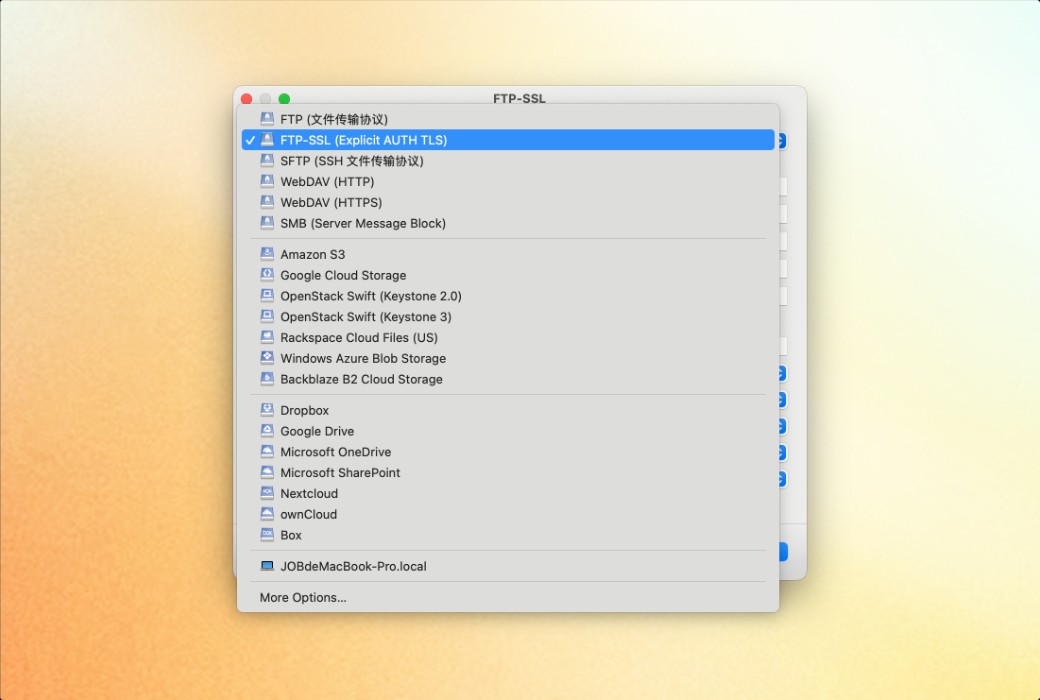
Mountain Duck allows you to mount servers and cloud storage as disks, providing direct access in macOS's Finder and Windows's File Explorer. You can open remote files using any application, experiencing the same operation as handling local disks.


Integrated Connection Mode (Version 5)


The new Integrated Connection Mode synchronizes with the File Provider (macOS) and Cloud Files (Windows) APIs. No device drivers or network mounting are required. It follows the familiar interface style of iCloud and OneDrive for users.


Smart Synchronization


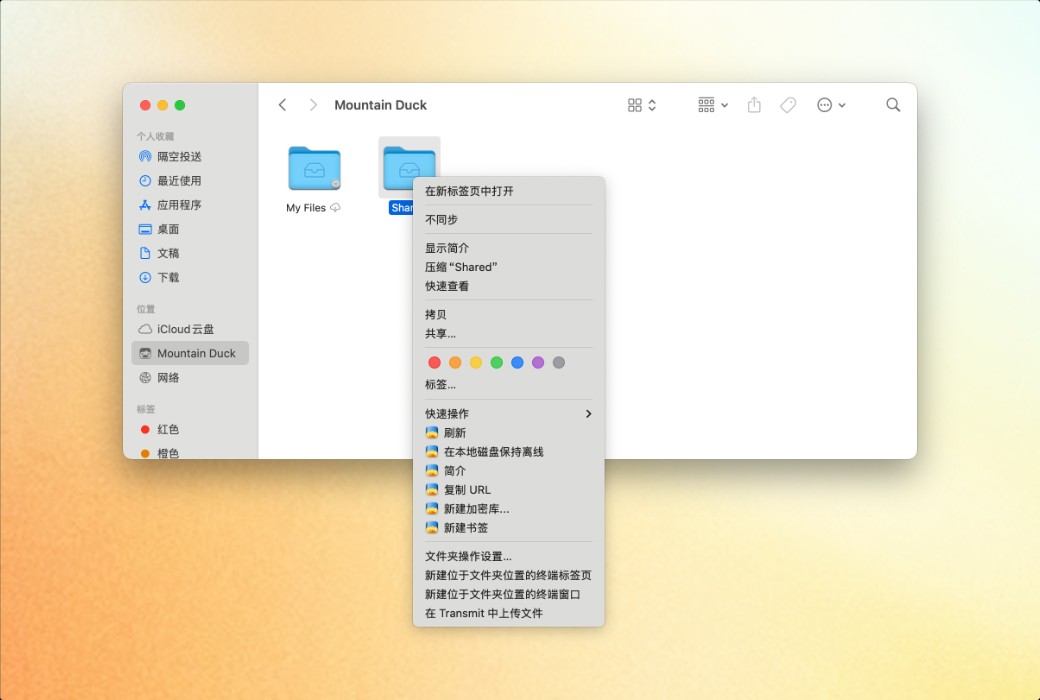
You can view all files on remote storage, regardless of whether they have been synchronized to your computer. Files are automatically synchronized to your local disk when opened, allowing offline use.


  1. Offline Work: Select documents and folders that need to always remain offline on your computer. Other files are only downloaded and cached when accessed on demand, otherwise they do not occupy local disk space.
  2. Background Upload: Changes are automatically uploaded in the background once a connection is available. The status icon displays the synchronization progress.


Highly Integrated, Low-Distraction Interface


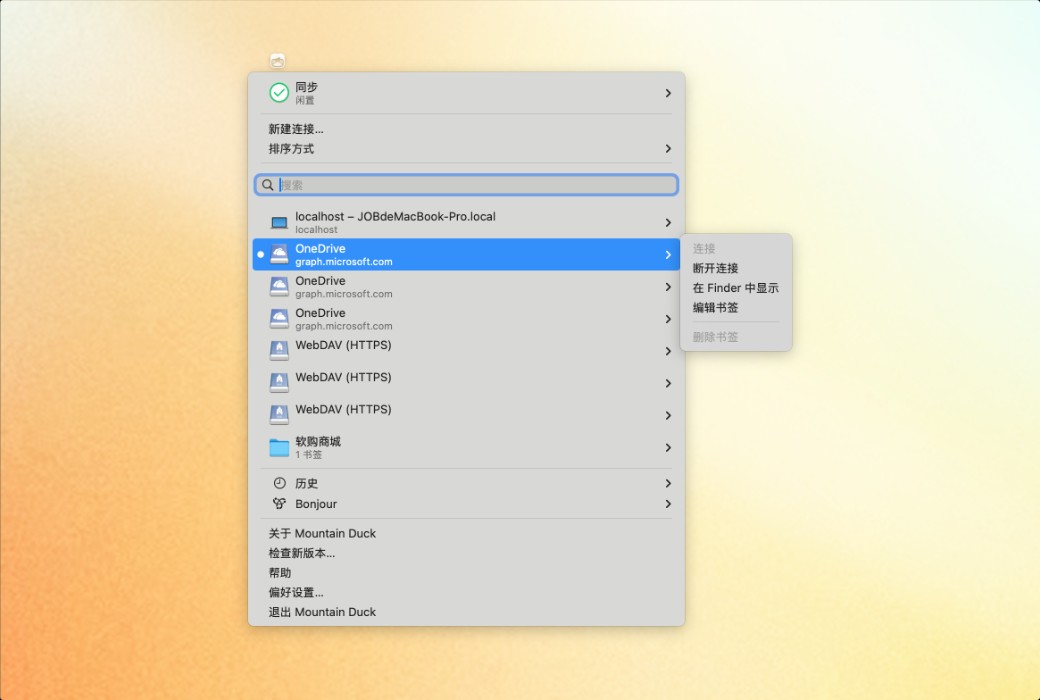
Resides in the status bar on macOS and the system tray on Windows, providing synchronization progress, file history, and connection management functions. You can easily adjust synchronization options anytime, anywhere, through the context menus in Finder and File Explorer.


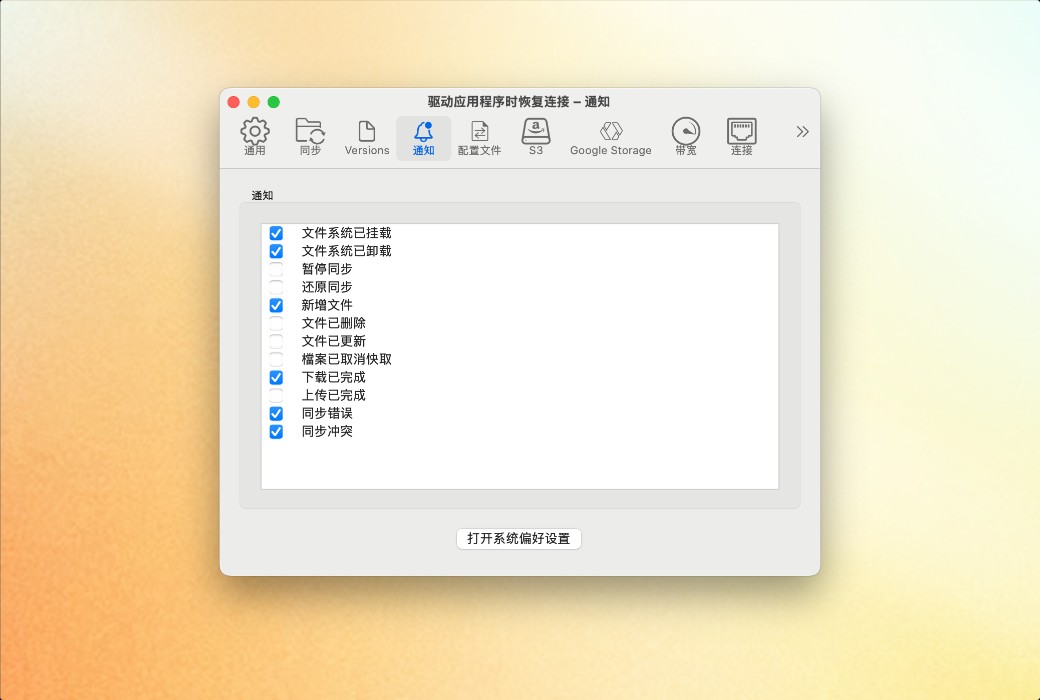
Notifications


Displays notification badges when files on the server are added or updated.

Mountain Duck cloud disk mounting tool software LOGO

Official Website: https://mountainduck.io/

Download Center: https://mountainduck.apsgo.cn

Delivery Time: Manual online processing

Operating Platform: Windows, macOS

Interface Language: Supports Chinese interface display, with multiple languages available.

Update Instructions: Lifetime version, only minor version updates are supported. Example: v5.x.x

Trial Before Purchase: Free trial for 15 days before purchase.

How to Receive the Product: After purchase, the activation information will be sent to the email used for ordering, and you can also view the corresponding product activation code in your personal center, My Orders.

Number of Devices: Can be installed and activated on multiple personal devices.

Changing Computers: Uninstall on the old computer and activate on the new one.

Activation Guide: To be added.

References: https://mountainduck.io/

Any question

Submit
Ask a question
All Default Newest